One pattern, one lovely afternoon

abutofu,
Core features are completely free

Recognize patterns with one tap as often as you like, and keep as many as your device can store locally. Highlight color codes in beading mode and keep viewing, editing and beading offline.

Core features are completely free Unlimited recognition and local storage Color highlights in beading mode Local patterns work offline

This device: Detecting… · Switch to / /

Your thoughtful beading companion

Leave the little details to abutofu,
save the joy for every bead.

From the moment you save an idea to the satisfaction of finishing it, create one bead at a time.

Core features, free to useRecognize · save · edit · highlight

Start with a pattern you love

Recognize patterns in one tap,
then start beading.

Import an image from your gallery or a saved Xiaohongshu link. Grids, color codes and quantities are recognized automatically, leaving more time for the fun part: making.

  • Image recognition
  • Xiaohongshu link recognition

Unlimited recognition, so you can save the next favorite without hesitation.

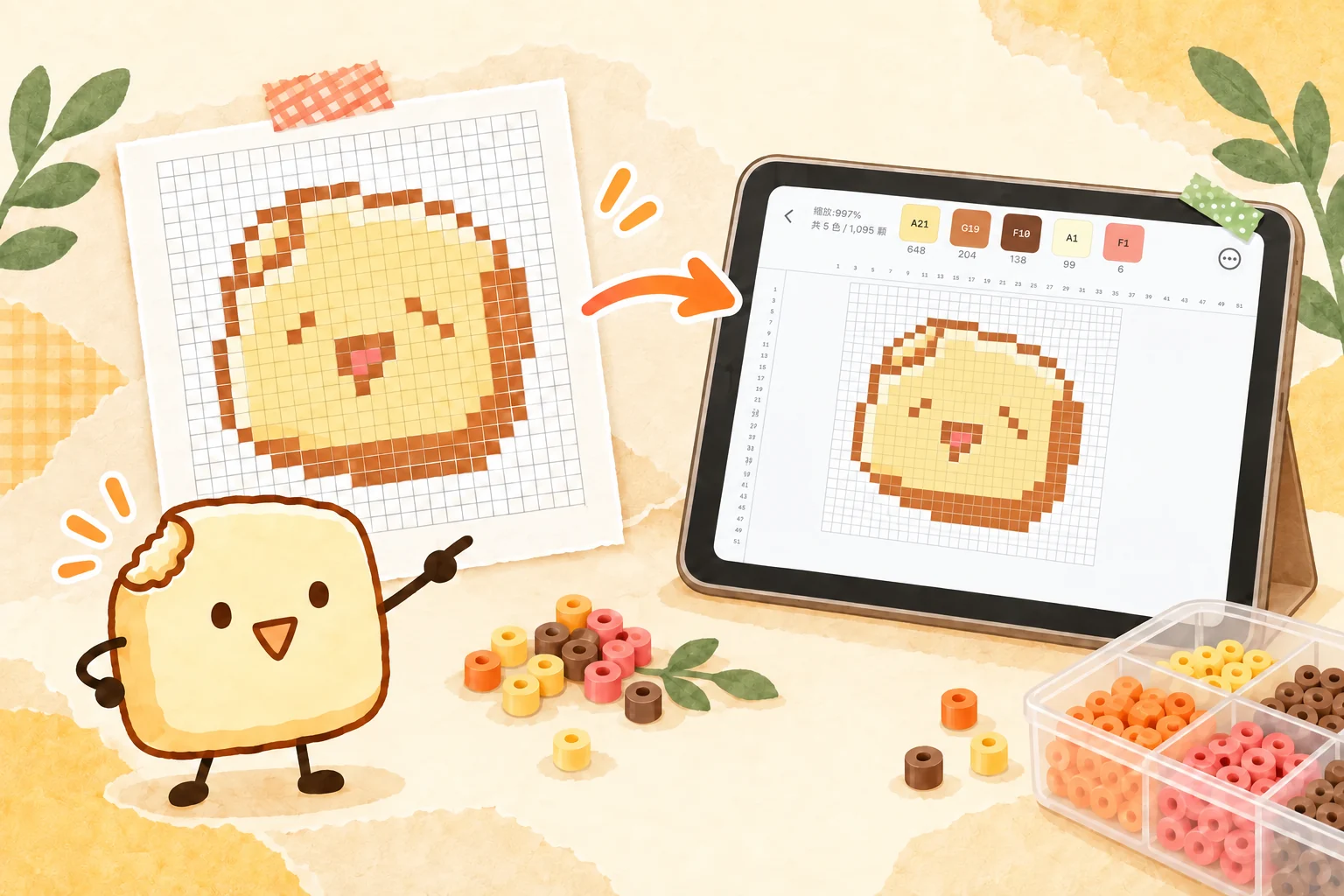
A tofu companion points to a recognition result: a color-coded pattern becomes a clear digital bead canvas

Find the place for every bead

Know exactly where you are,
at a glance.

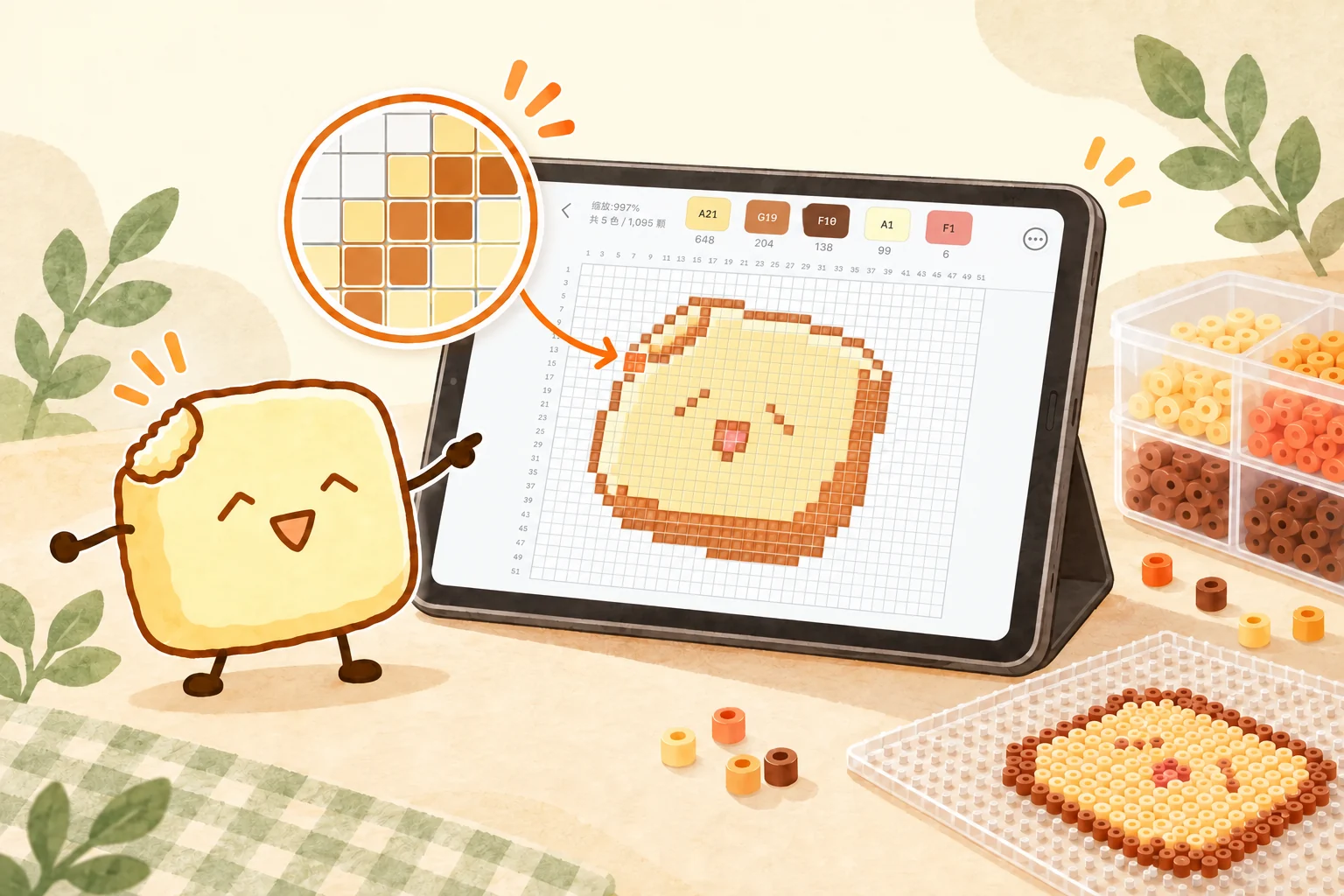
Select a color code to light up its cells while the rest softly fades away. Follow the highlight at your own pace and finish a large pattern in small sections.

  • Color code highlightsFocus on one color at a time
  • Guide gridAlign and count with ease
  • Row and column coordinatesFind your place when zoomed in
  • Cell color codesEvery cell has a clear guide

A tofu companion points to a bead pattern on a tablet, with a zoomed view showing a clear grid and selected color

Make time for calm beading

No connection? Keep beading.

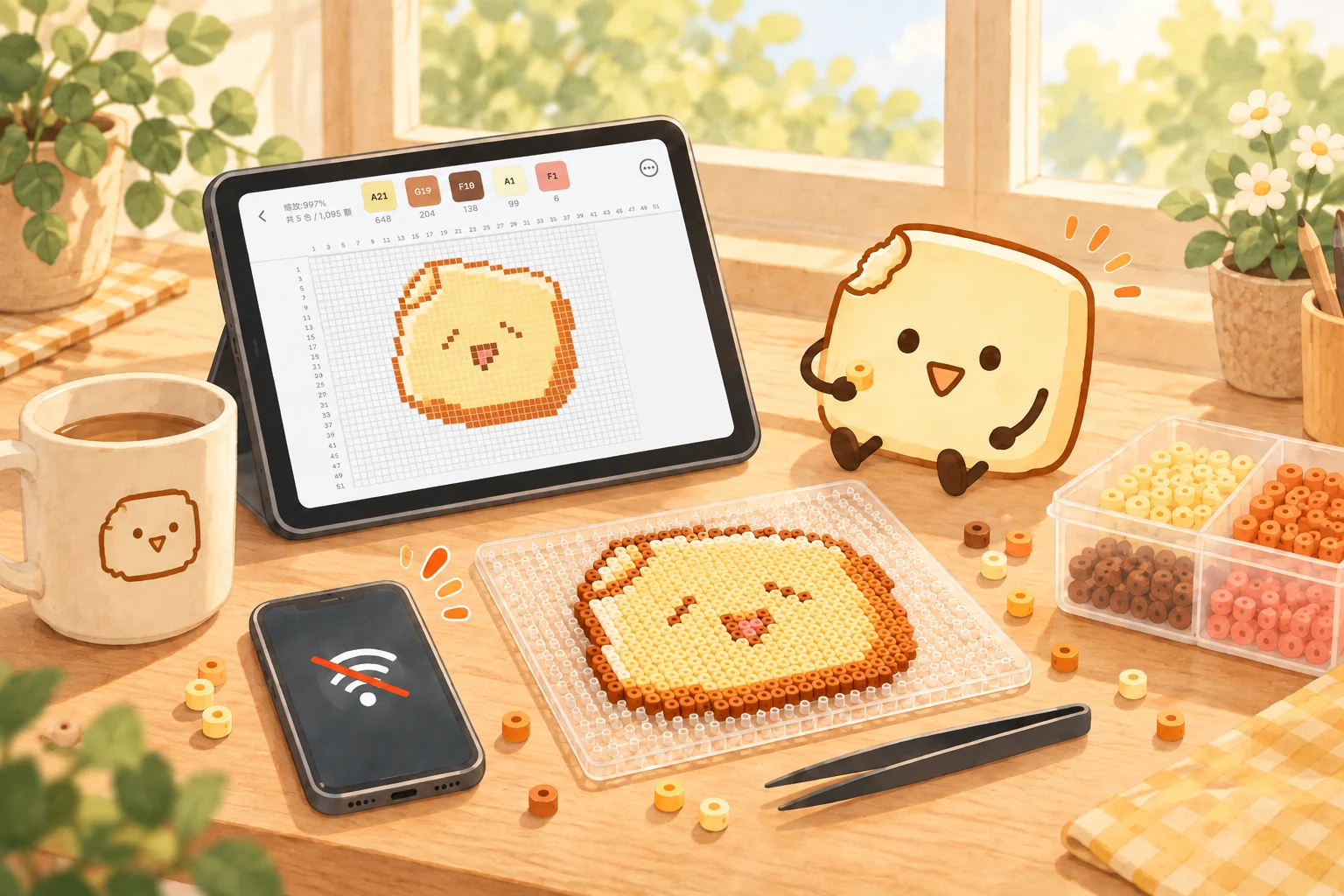
Patterns stay on your device, so you can keep viewing, editing and beading. Find a comfortable corner and enjoy a little uninterrupted time.

The web app needs to open the pattern while online. Keep the page open and you can continue beading after going offline.

A sunny beading table with a tablet showing a tofu pattern, a bead board, colorful beads and a warm drink

Keep what you love Member feature

Switch devices and keep creating.

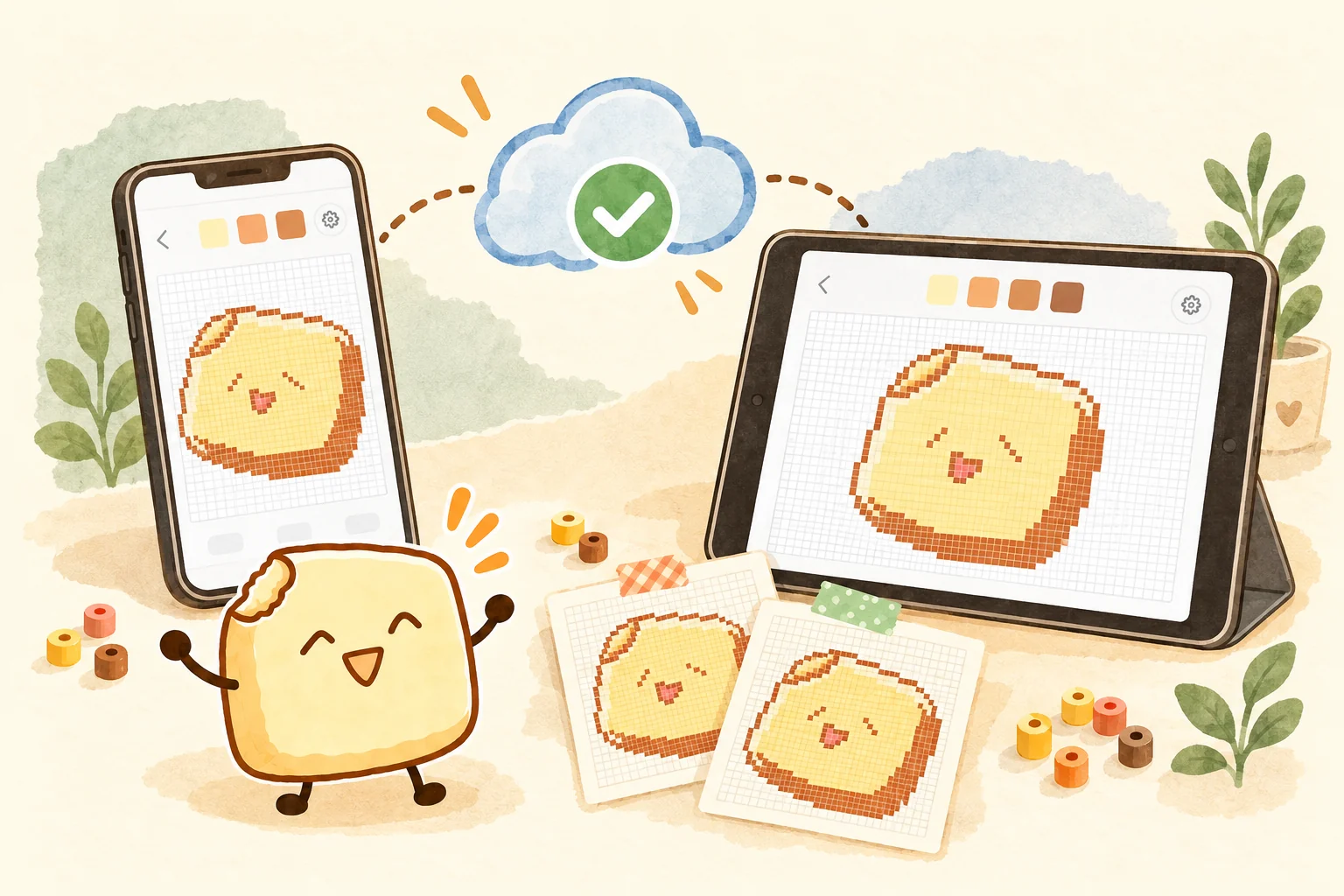
Save a pattern on your phone and continue creating on a tablet. Seamless cloud sync keeps patterns with you, while automatic snapshots preserve your edits.

Cloud sync and automatic snapshots require the corresponding membership benefit. Local viewing, editing and beading are free for everyone.

A phone and tablet show the same tofu pattern as cloud sync keeps creation moving between devices

More small helpers for your creative work

  • Save every pattern you love

    There is no pattern count limit for local storage. Build your own library and open it whenever you want to bead.

  • Turn small ideas into patterns

    Pixelate images with custom dimensions and color counts. Use brushes, fills and multiple layers to shape an idea.

  • Know how many beads you need

    Automatically count each color code and compare it with the pattern. Prepare your beads in advance and start with confidence.

Local storage capacity depends on the available space on your device or in your browser.

From inspiration to making in three steps

Easy to start, even for your first pattern

Bring a pattern you love and take the rest one step at a time.

01

Choose a comfortable way to create

Install the iOS or Android app, or open the web app or WeChat Mini Program. Start on the device you like.

02

Bring in an image you love

Paste a Xiaohongshu share link or import an image from your gallery. Recognize the grid, color codes and quantities in one tap, then begin your next small creation.

03

Follow the highlight, bead by bead

Check the color codes, prepare your beads and follow the highlight cell by cell. You can also edit freely and export an image to share your inspiration.

Ready? Let’s bead

Start free, save patterns and bead with highlights

iOS, Android, web and WeChat Mini Program with the same recognition and editing tools